Set up once. Stay informed automatically.
Create the product you care about, add competitor pages, and let Kueon watch for changelog and pricing changes.
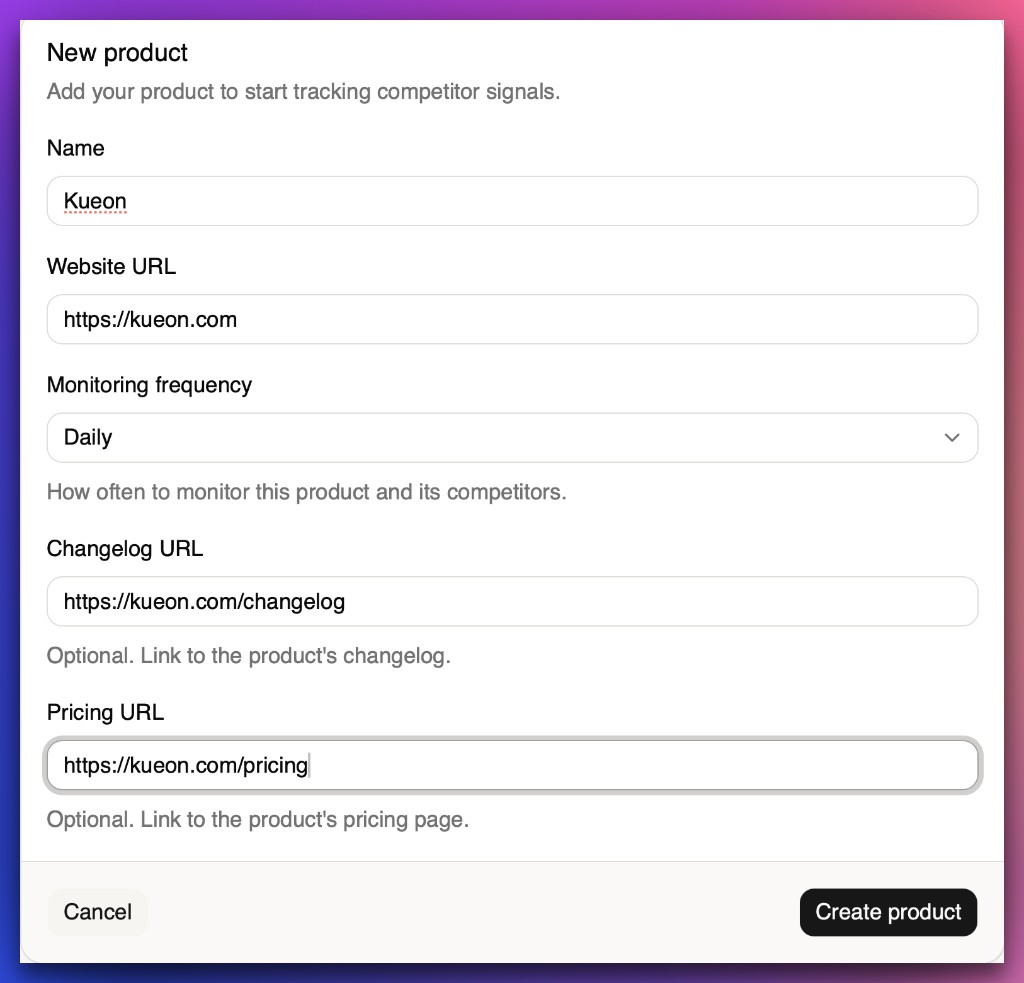
Create your product
Define the product you want competitive context for — your lens for everything that follows. This is the workspace where competitor signal comes together.
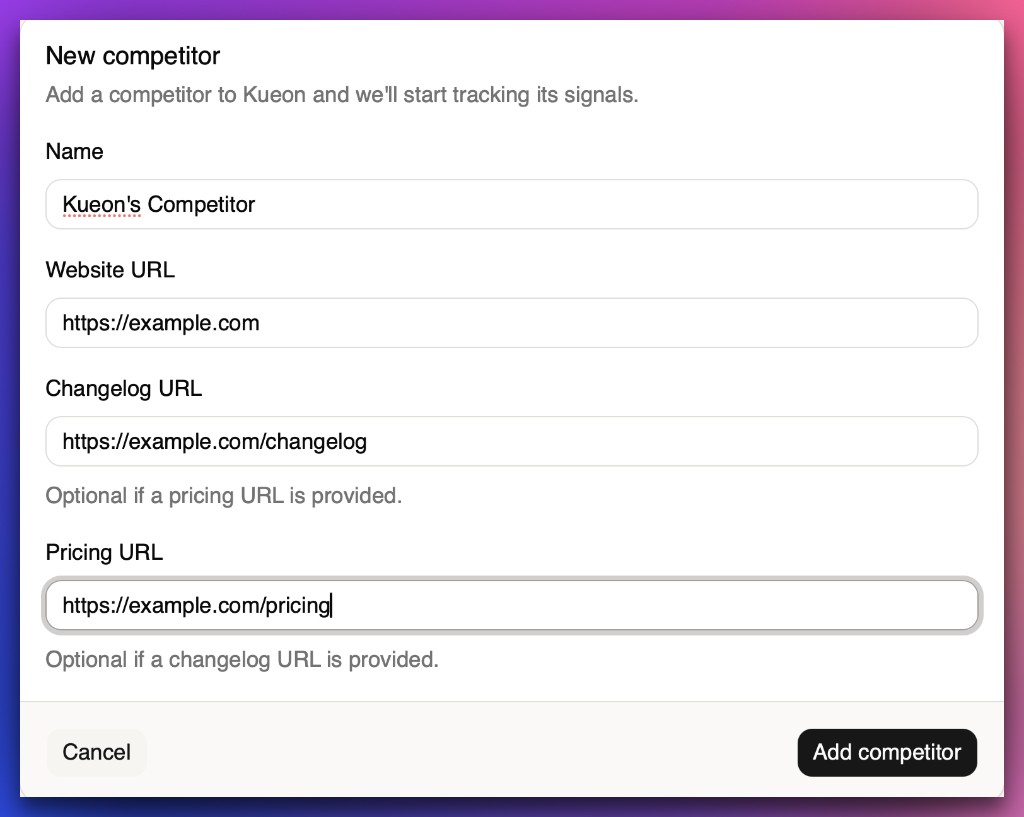
Add competitors
Attach each competitor’s pricing page and changelog URL so Kueon knows what to monitor. Add as many competitors as you need to cover your market.
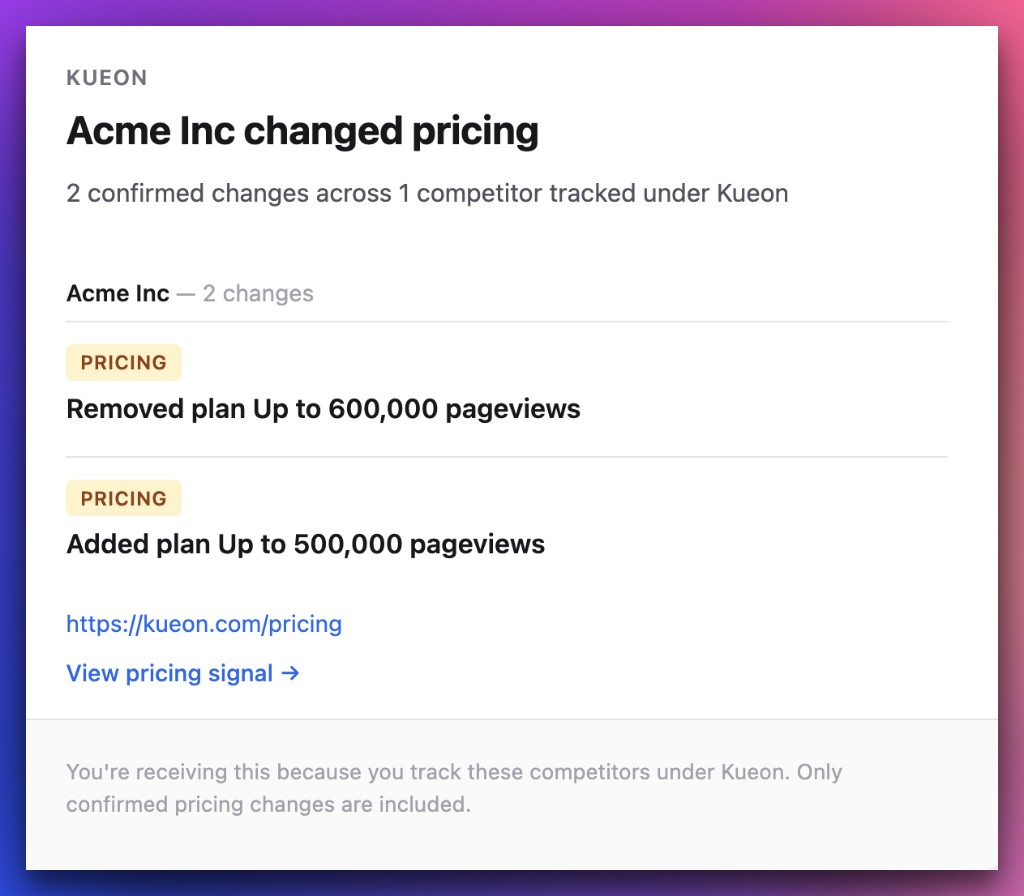
Get alerts
When a competitor publishes a changelog update or changes pricing, you get an email. No tab juggling — the signal finds you.
Pricing monitors what’s visible when the page initially loads. Interactive pricing states are on the roadmap.
Ready to watch your market?
Start a 5-day free trial — no credit card required.